
How can I pause or cancel my subscription?Updated 9 months ago
You can pause or cancel your subscription by logging into your account and going to ‘My Subscriptions’.
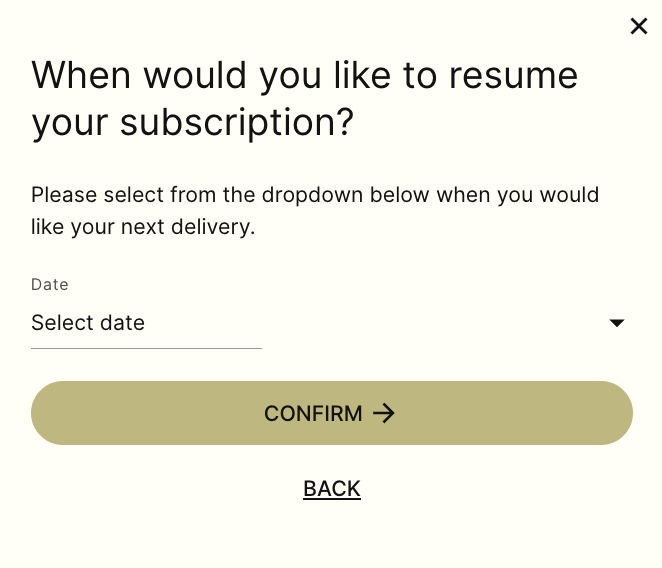
Next to your meal box, select ‘Pause Subscription’ and choose when you’d like your next delivery to resume and don't forget to click 'Confirm' to save your request.
If you’d prefer to cancel, you can do this from the same page by selecting ‘Edit’ and select 'I'd like to cancel.'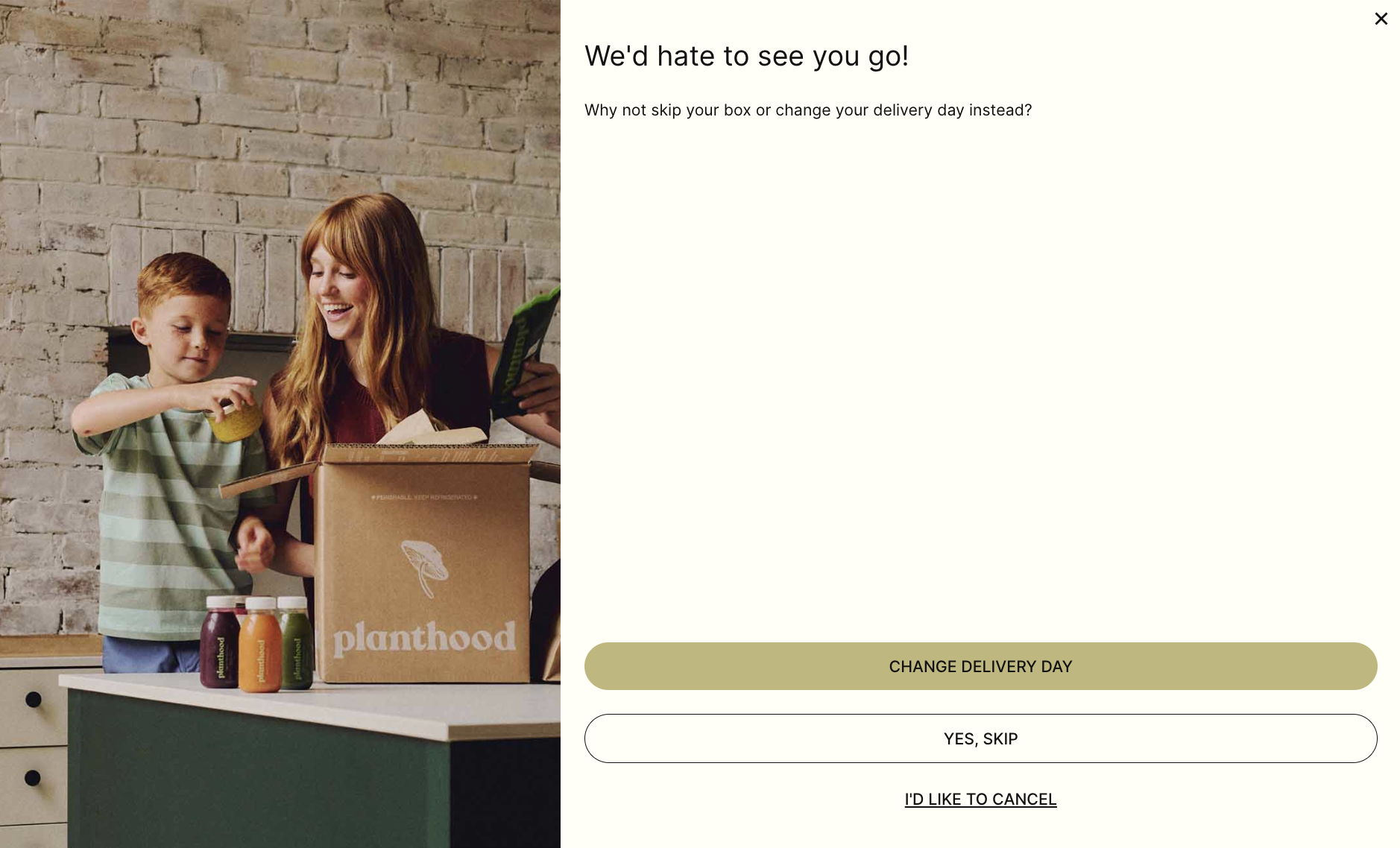
Please note: Any changes — including delivery address updates, box size changes, meal selections, skips, pauses, or cancellations; must be made before the weekly cut-off.
- For Thursday deliveries: changes must be made by midnight on Sunday (12:00 AM Monday)
- For Monday deliveries: changes must be made by midnight on Thursday (12:00 AM Friday)
Changes made after the cut-off will apply to future renewals or orders only and won’t affect orders that have already been charged/processed.
Please be aware that cancelling your subscription will only affect future order renewals and not orders that have already been placed or processed.