
Can I choose my meals?Updated 9 months ago
Absolutely! We offer a fresh seasonal menu selection every week for you to choose from. Upon signing up, you can conveniently pick your desired meals or opt to skip weeks directly from your online account.
After which, you will be redirected to your order summary list. Once successful, a prompt will show saying that your meals are saved and you'll also receive a confirmation email.

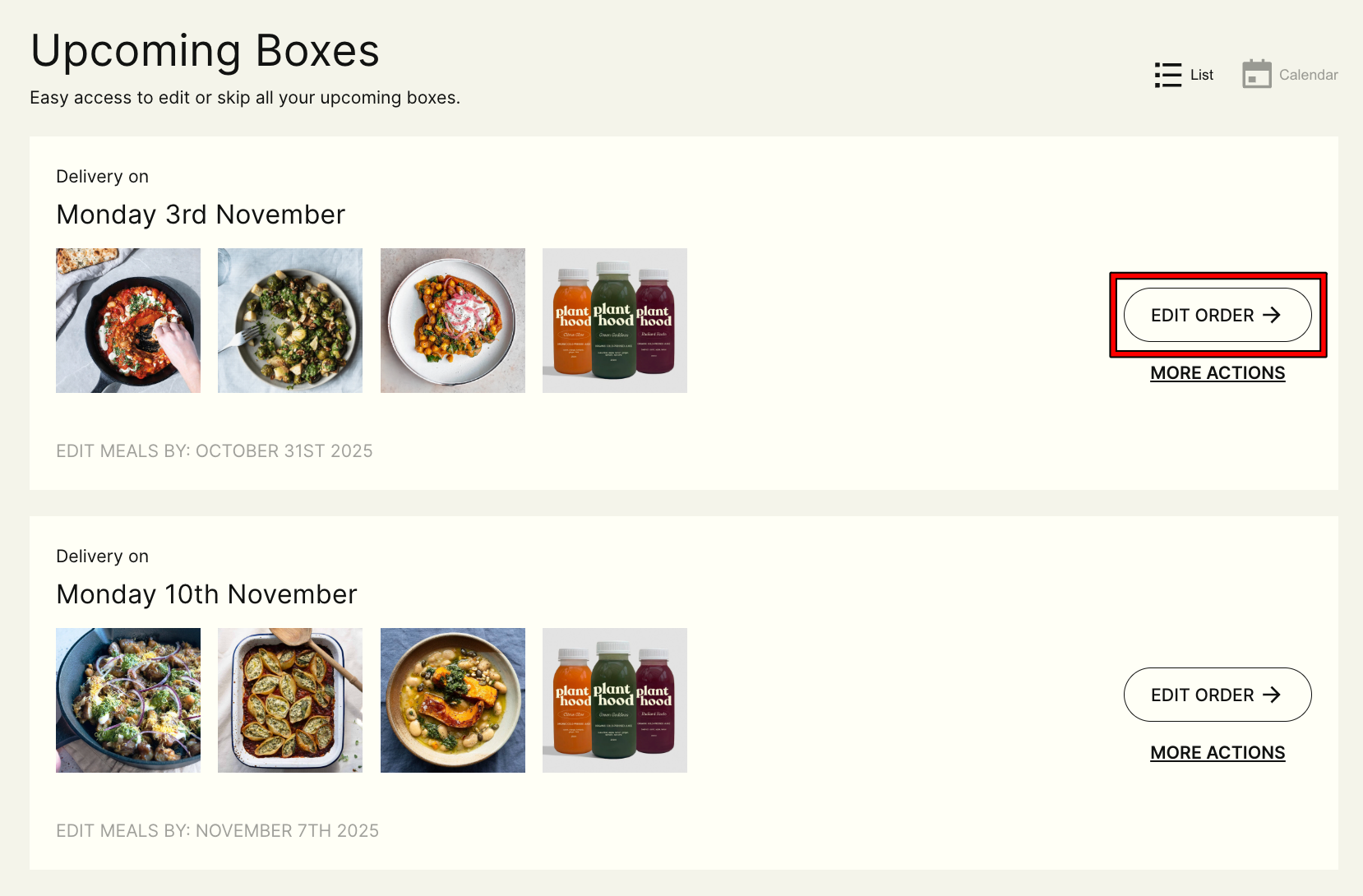
Step 2: Select the Delivery Date and click 'Edit Order'
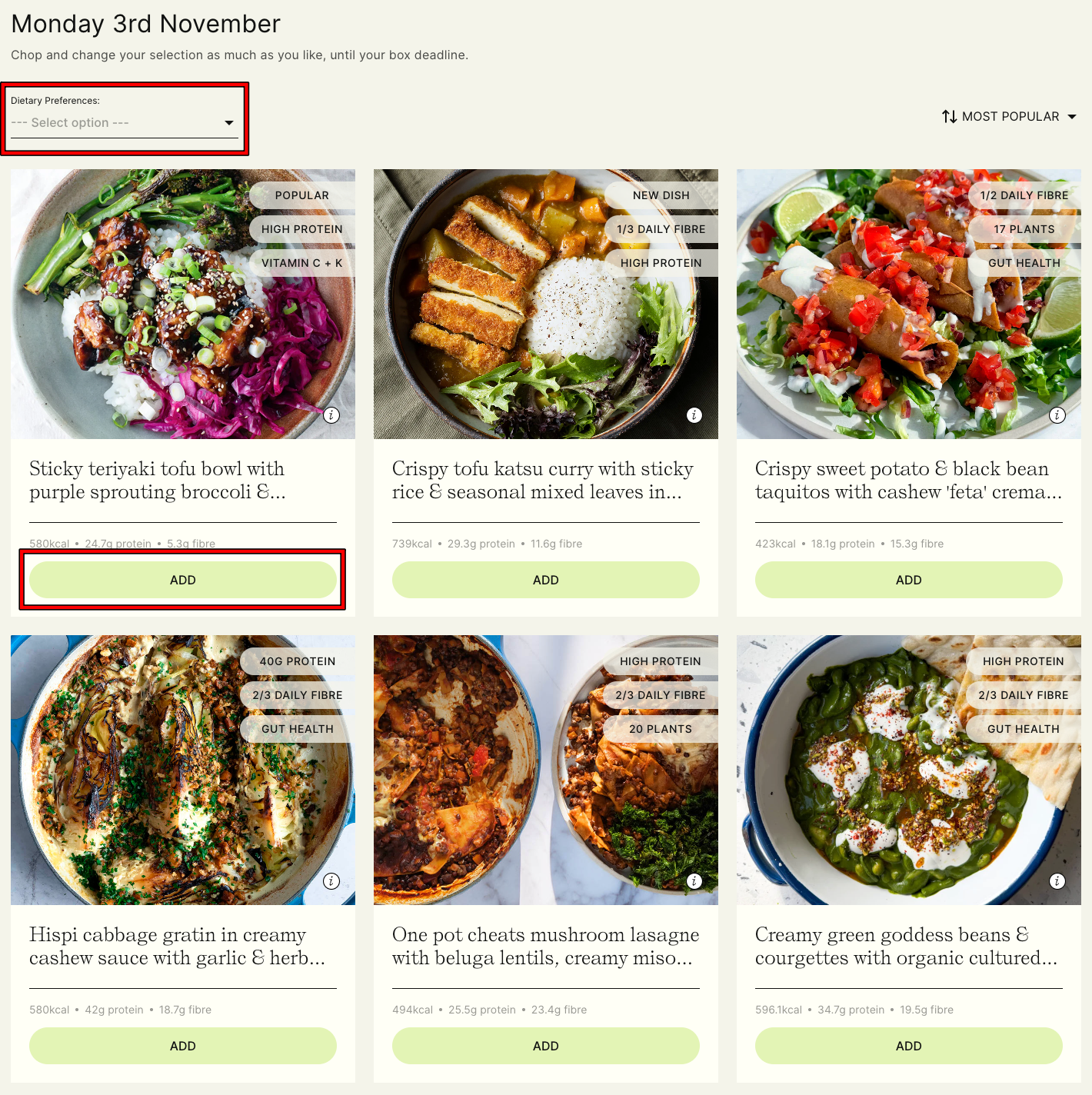
You can also filter the menu based on your dietary preferences — currently Gluten-Free, High Protein, or High Fibre, to make browsing easier.
Step 4: Click 'CONTINUE' at the bottom right.
You will also be asked if you want to add extra items like Breakfast pots, Juices or Snacks. If not, you can click 'NO, THANK YOU'; after which, you will be redirected to your order summary list.
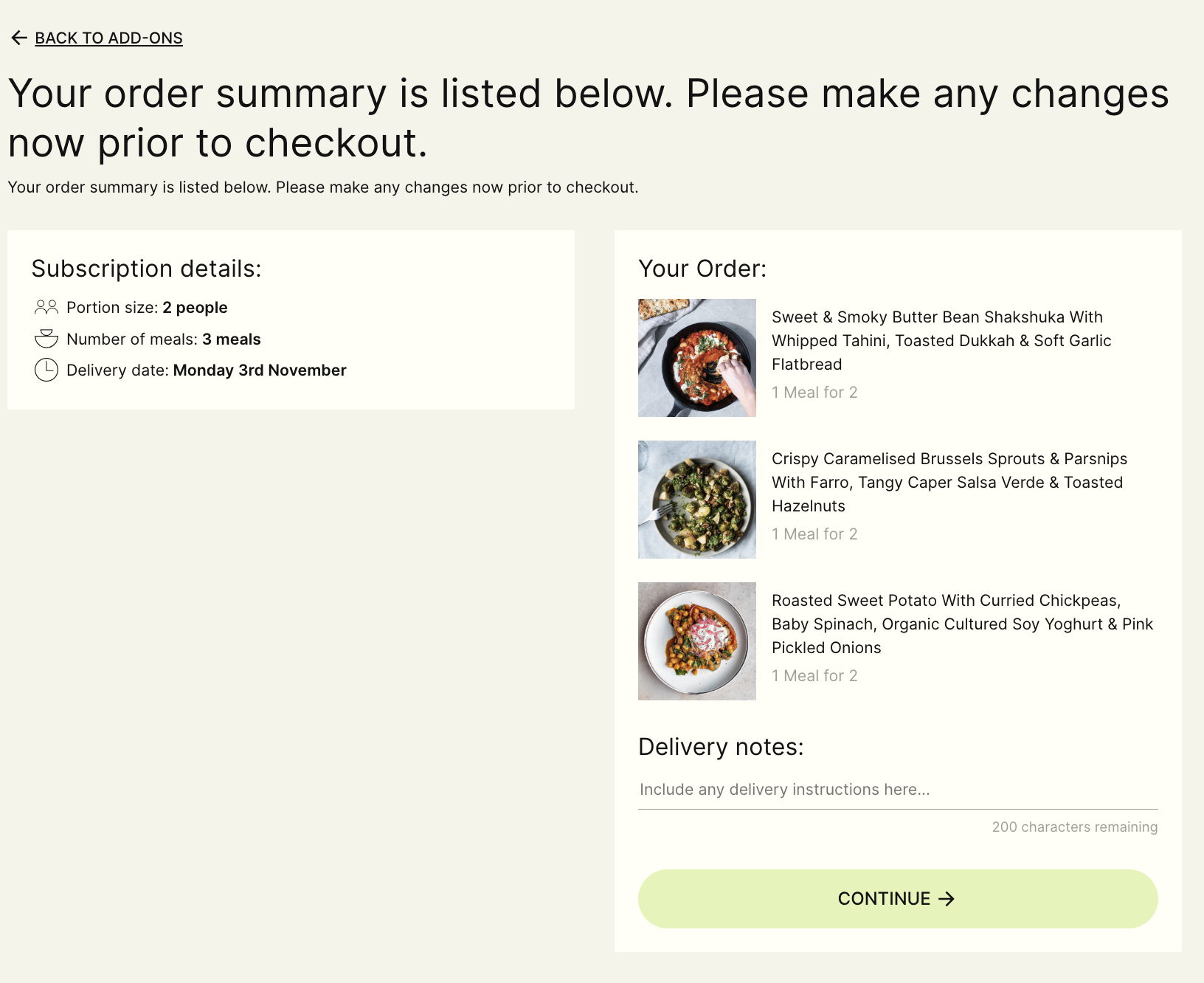
Once done, click 'CONTINUE' or add 'DELIVERY NOTES', a prompt will show saying that your meals are saved and you'll also receive a confirmation email.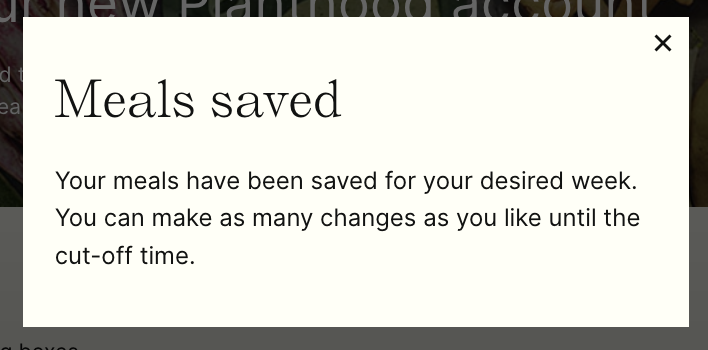
Please note: Any changes — including delivery address updates, box size changes, meal selections, skips, pauses, or cancellations; must be made before the weekly cut-off.
- For Thursday deliveries: changes must be made by midnight on Sunday (12:00 AM Monday)
- For Monday deliveries: changes must be made by midnight on Thursday (12:00 AM Friday)
Changes made after the cut-off will apply to future renewals or orders only and won’t affect orders that have already been charged/processed.